
INDEPENDENT PRODUCT / MOBILE APPLICATION

PetAI
Making AI useful meant designing what happens around the answer.
I built PetAI around pet profiles, saved observations and contextual follow-up, connecting a mobile experience to a structured AI backend.
Explore PetAI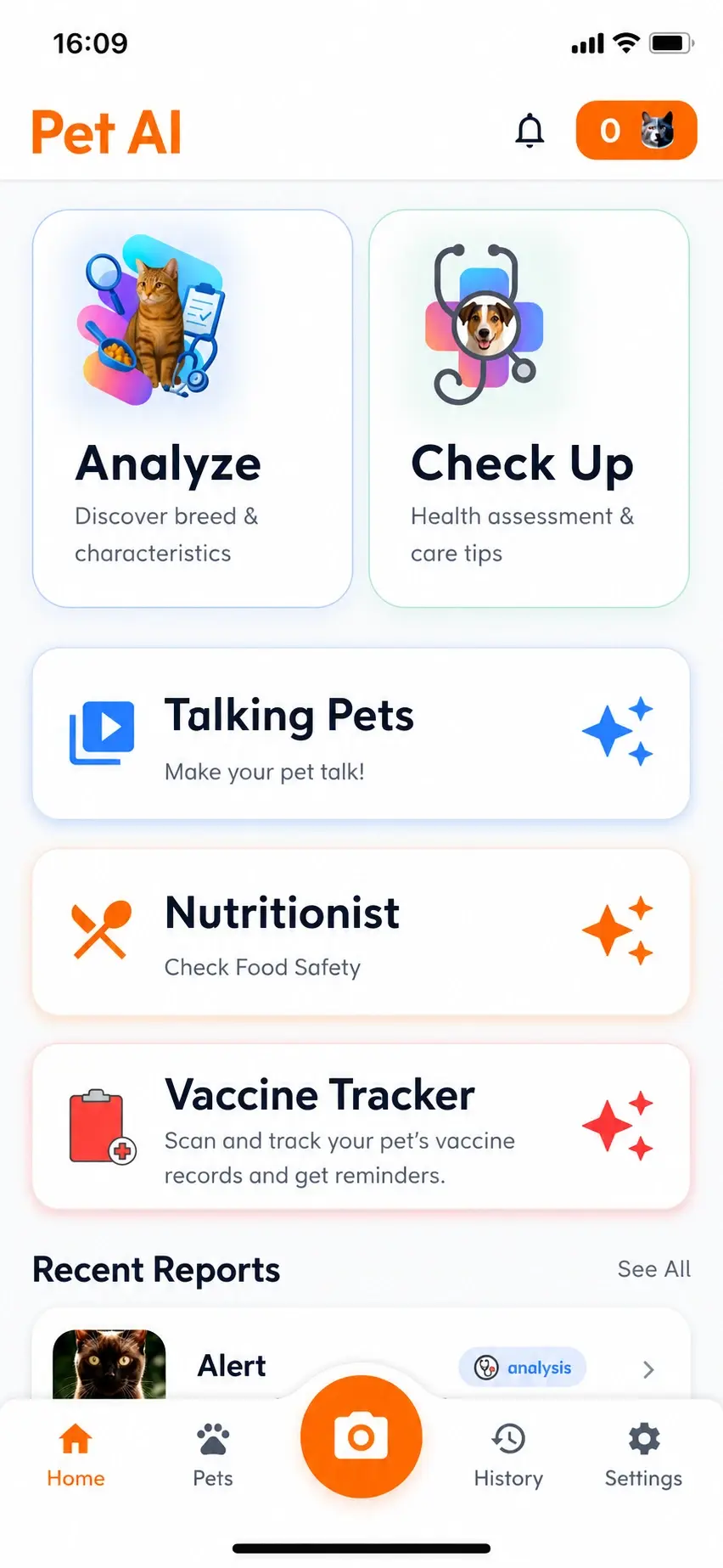

Home
The problem was fragmented context.
A photo, a food question and a vaccination record are different inputs. What connects them is the pet.
For a cat or dog owner, the job is to keep observations, questions and veterinary paperwork connected to the same pet over time.
A camera roll can hold photos, a notes app can hold observations and a search or standalone chat can address an individual question. The owner still has to connect that information. PetAI brings records together under a pet profile and lets a follow-up continue from an existing analysis.
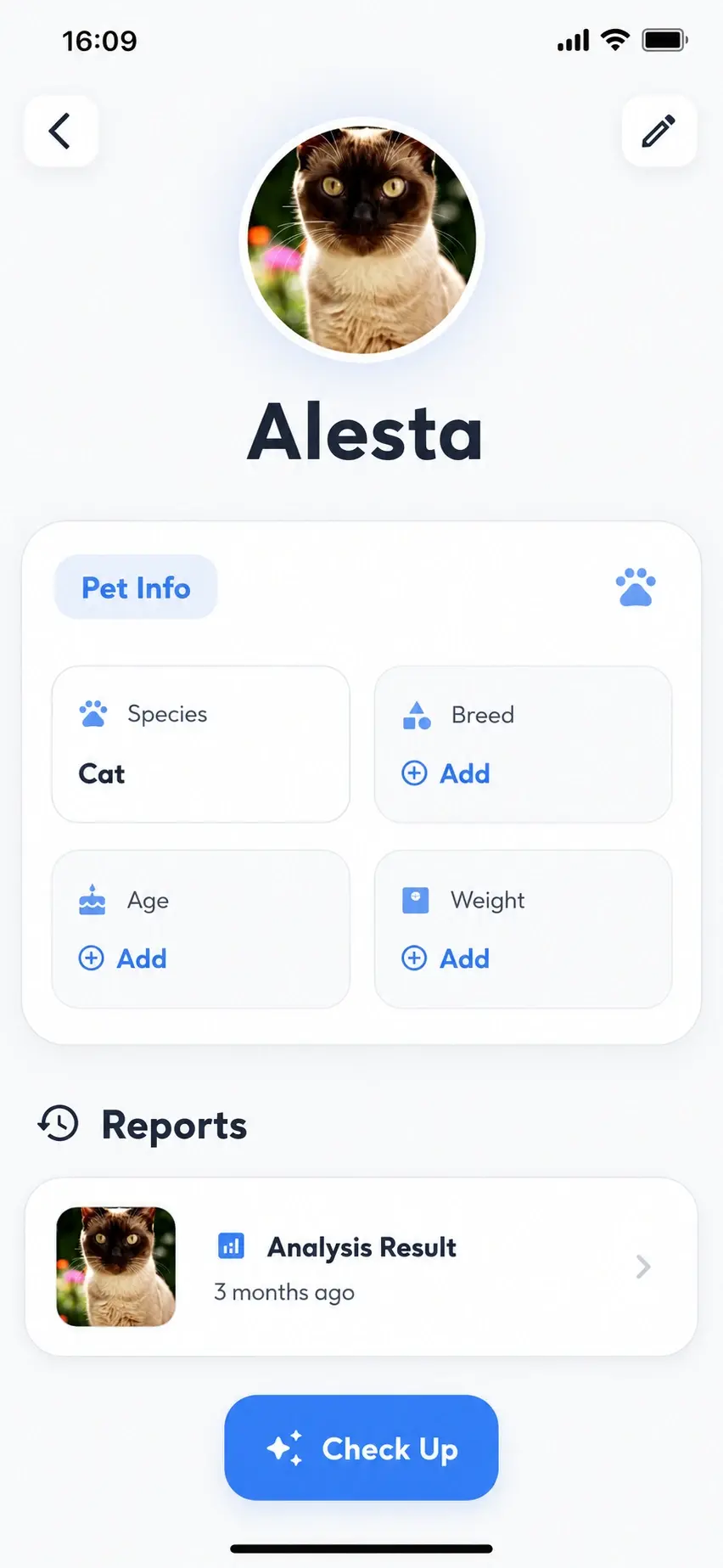
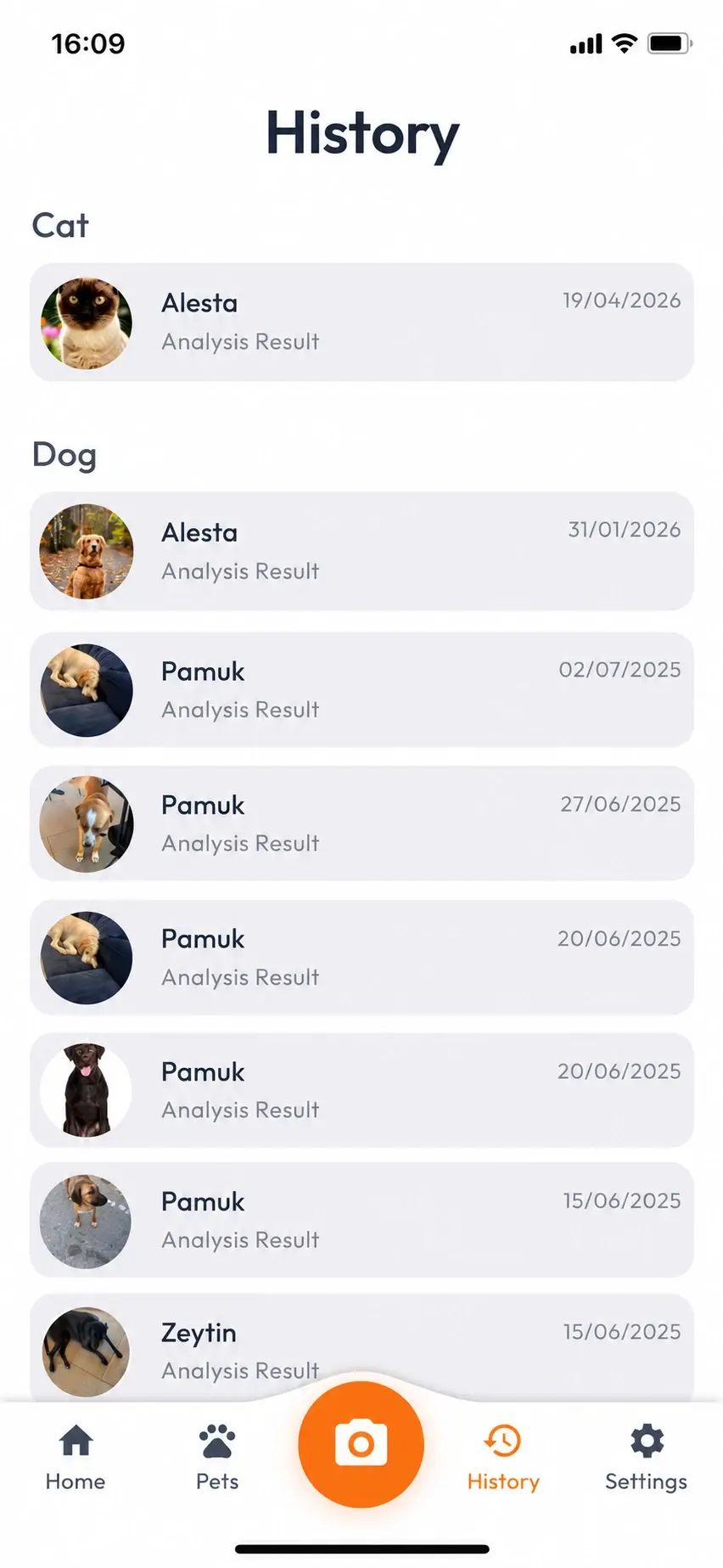
I made the pet profile a shared point of reference. Saved reports and a history of completed analyses give individual outputs a place to live beyond the initial result.
The same relationship extends to veterinary paperwork: extracted fields and dates become records for the selected pet. A vaccination entered separately with a future date can also have a local reminder.
The answer was only part of the product.
I kept saving and discussion close to the result. The experience can continue from an observation into a record, a follow-up question or PDF sharing.
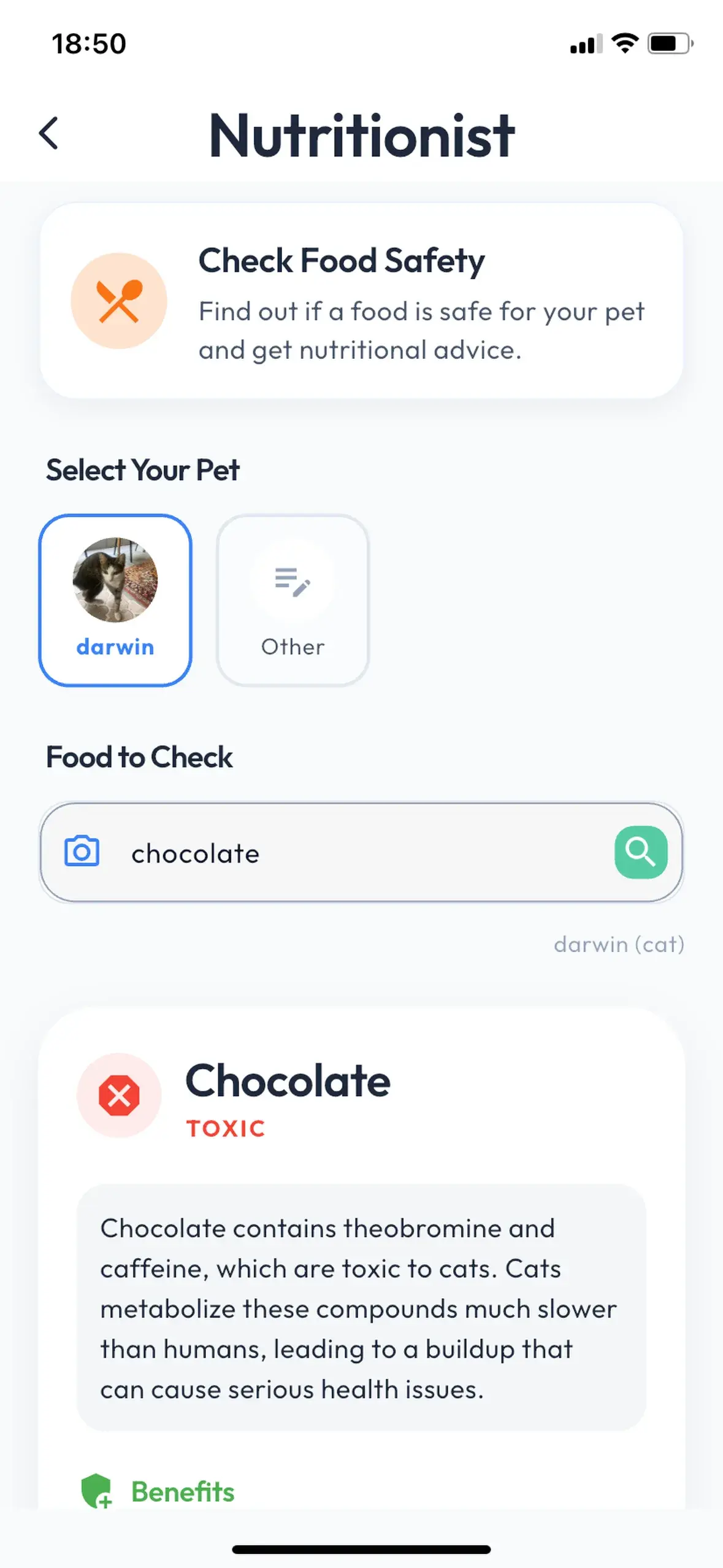
The continuity comes from context: food questions use the selected pet's information, while contextual chat can carry an existing analysis into the conversation.
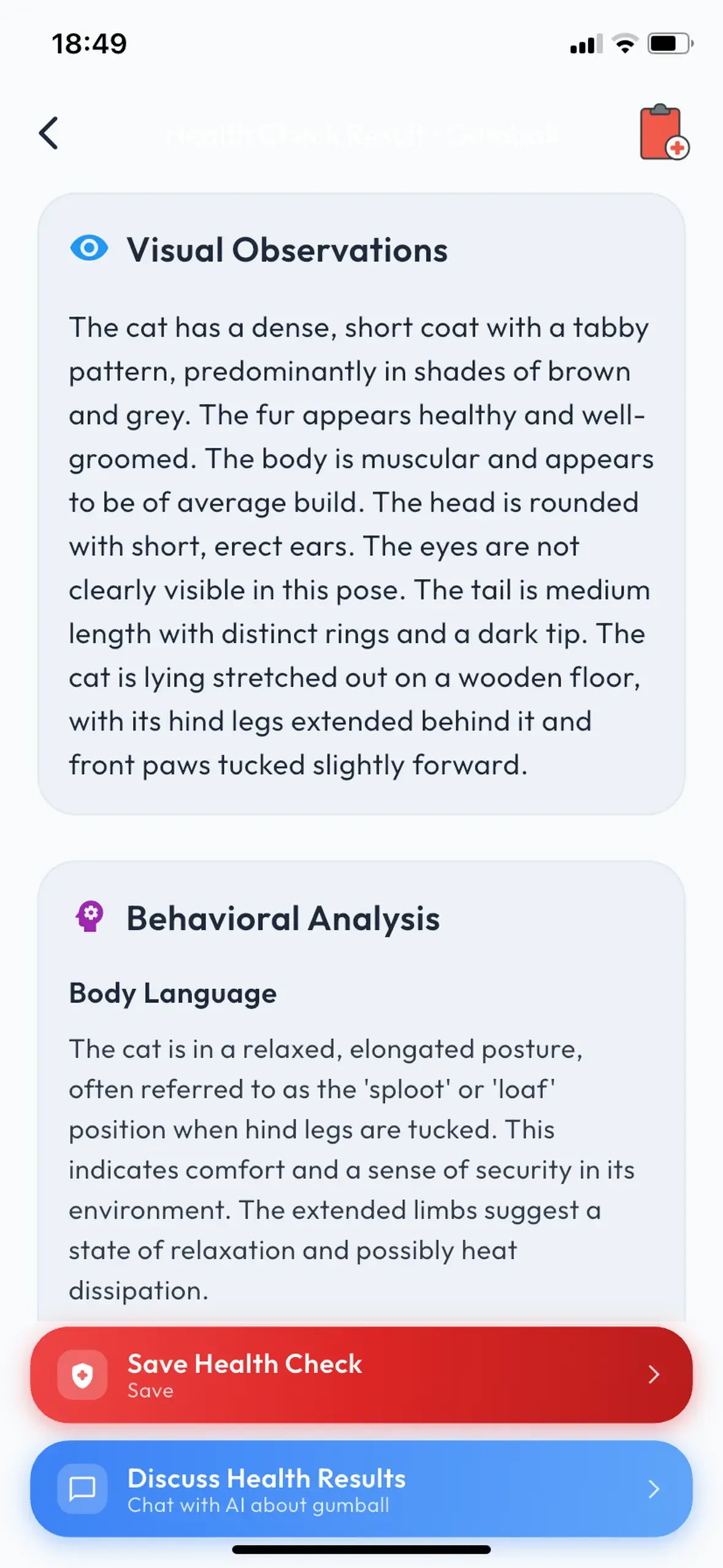
The pet's information can travel with the question.
Context belongs in the product flow, alongside the answer.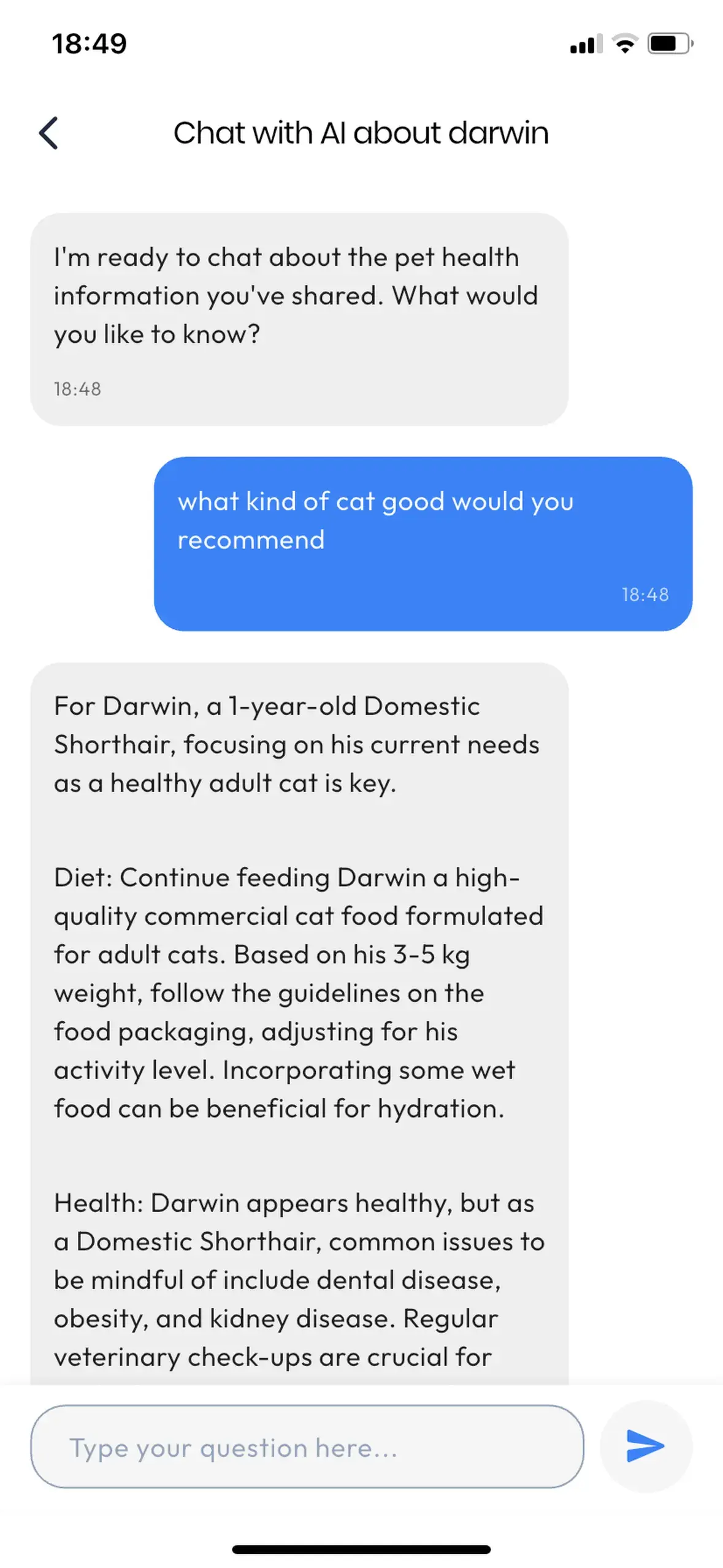
The screens show separate example sessions for Gumball and Darwin.
Keep the next question connected.
For example, an owner can save a photo-based health observation, then open a discussion from that result. I pass the assessment into the conversation and link the chat to its source record, so the owner can ask about what they just read without starting again.
Make a care date an explicit action.
A vaccination reminder starts with a separate entry and a chosen next date. Marking it complete updates the record and cancels the reminder. Scanning a date from a veterinary document does not automatically create that task.
Structure is a product decision.
The interface needs consistent fields even when model responses vary. I built a Flutter client backed by dedicated TypeScript services for health observations, nutrition, document extraction and contextual chat.
Firebase Cloud Functions orchestrate the AI operations. Model output is parsed and checked against the expected data structure before a successful result is returned to the app.
- InputPhoto, text or document
- InterpretationAI-generated JSON
- ContractParse & validate
- ApplicationRecord & follow-up
When a food assessment returns an unknown or toxic classification, feeding suggestions and portions are withheld. These checks constrain how the result is presented; they do not verify that the model's interpretation is correct.
Different workflows need different boundaries.
Health observations, food questions and document extraction have their own service responsibilities. Follow-up starts from a specific assessment and a limited conversation history. It does not automatically gather or stay up to date with every record about the pet.
Talking Pets adds a separate image-to-video flow. Long-running media work uses job identifiers and status polling so the client can track progress beyond a single request.
A broader feature set makes product focus more important.
Care organisation and generative entertainment ask for different kinds of attention. A stronger next version would narrow the product around pet records, food-safety guidance and contextual follow-up.
Built and released on the App Store.