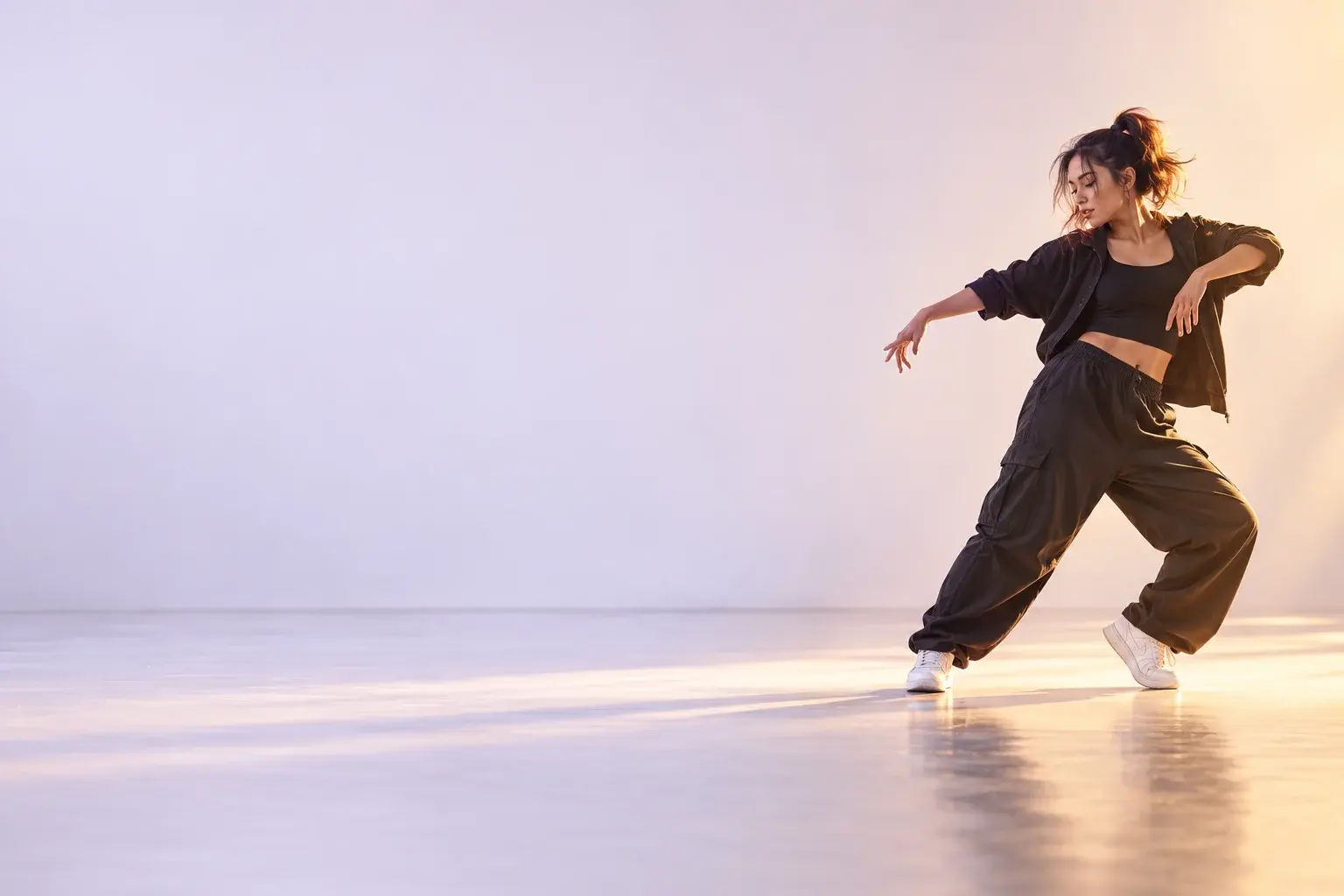
INDEPENDENT PRODUCT / MOBILE APPLICATION

Danceify
A playful idea needed a clear path from photo to performance.
I built Danceify around that path: choosing a photo, shaping a dance, following the generation and deciding what to do with the result.
Explore Danceify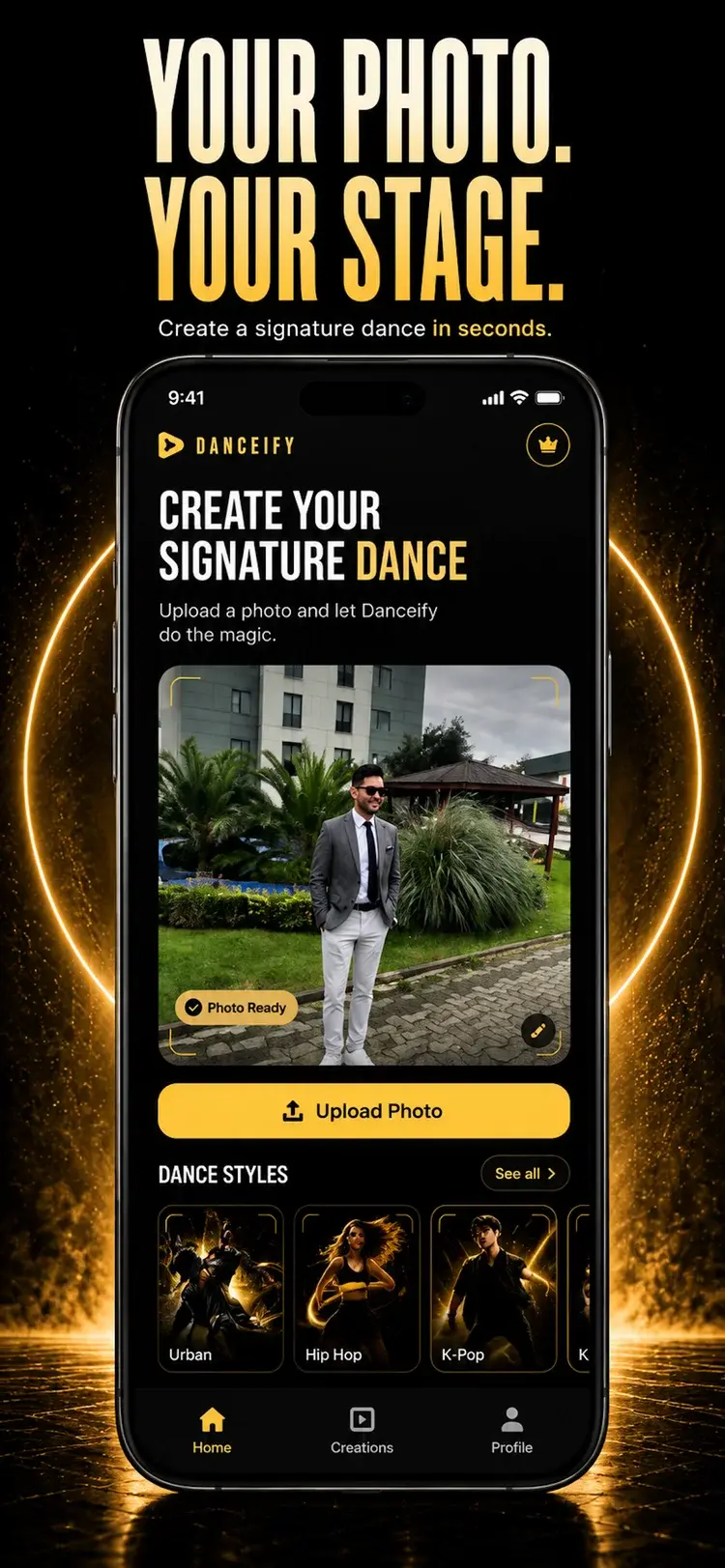
Give the idea a starting point.
The starting point is simple: one photo, turned into a short dance video. The product needed to make the choices around that transformation understandable.
The use case is a casual creator who wants to turn a portrait into a short dance clip without filming a performance or learning a video editor. Alternatives include recording and editing the dance themselves, or working from a blank prompt in a general video generator. Danceify gives that task a narrower starting point: a photo and a recognisable dance style, with custom direction available when wanted.
- A photoA concrete place to begin
- A directionChoose a style or describe a scene
- A performanceWatch, save or try another take
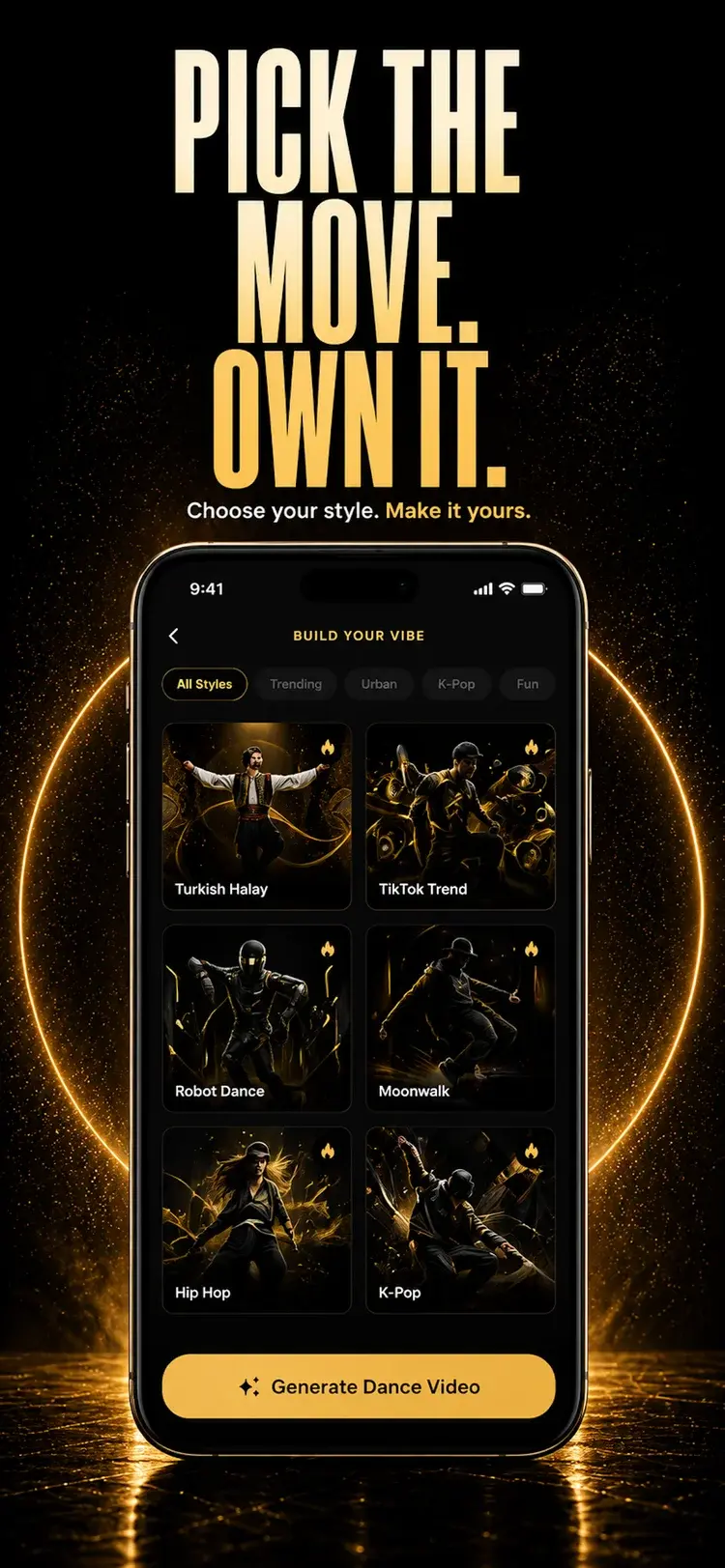
Start with a choice someone can recognise.
I gave ready-made dance styles a place alongside a custom scene. Someone can choose a direction without writing a prompt, then add notes for movement, atmosphere or camera framing.
The trade-off is between a clear starting point and room to experiment. The interface supports both, without making custom direction a requirement.
Bring input problems forward.
I added on-device checks for darkness, low resolution and landscape framing before the photo enters the cloud generation flow. The warnings leave the decision with the person choosing the image.
These checks flag likely input issues. The final movement and likeness still depend on the generated result.
Waiting is part of the experience.
A person can finish their input before the video is finished rendering.
I separated the generation job from the screen that starts it. The app tracks the request, offers a way to continue in the background and lets someone return when the result is ready.
The video
- Request accepted
- Cloud generation
- Result ready
The person
- Start the generation
- Continue in the app
- Return to the result
Keep the state connected.
I built the Flutter experience around a persistent job identity, with Firebase tracking the cloud operation. The app saves that identity when someone moves generation to the background, so it can reconnect to the existing job when they return.
For a photo and a chosen dance style, I combine the style's direction with any scene notes when Generate is pressed. Selecting the style alone does not start a paid generation: the launch flow checks access before submitting the job.
Make the return part of the flow.
In-app updates and permission-based push notifications connect completion back to the result. A retry starts a new generation, rather than resuming the failed job.
The backend records completed videos in Creations and updates the job the app is following. Provider callbacks and a scheduled check for recent processing jobs offer two paths to recording a result.
Keep the creative loop open.
A generated video gives someone something to react to. The next choice can be to keep it, share it or take the idea in another direction.
I connected playback to saving and sharing, and added a route to try another style using the same photo. That keeps the source image in the creative loop instead of asking for the same input again.
Keep the photo.
Change the direction.
Another take is another generation.
I kept access checks in the same launch flow for the first video and subsequent attempts. Each job records which allowance funded it, with a mechanism to return access after a confirmed failure.
That is part of the product experience too: the creative action, its processing state and its use of someone's allowance need to stay connected.
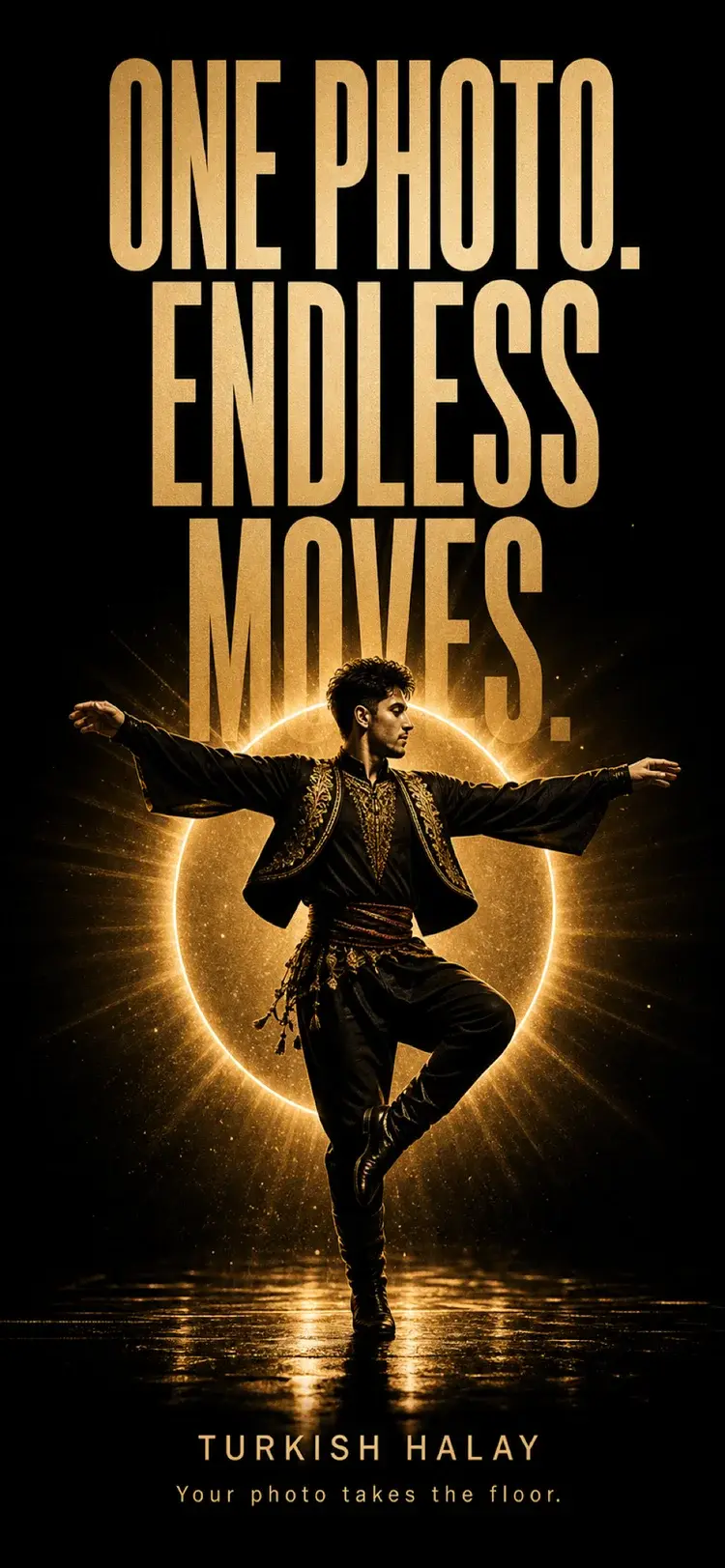
My work was to make the whole creative loop hold together.
I designed and built the mobile experience and its generation workflow, from photo guidance and creative direction to job tracking, playback and another take.